Documentation & User Guide
Watch a walkthrough, browse every feature, or download the full guide as a PDF.
Download PDF GuideVideos
Usage Walkthrough
Overview
Everything the panel can do
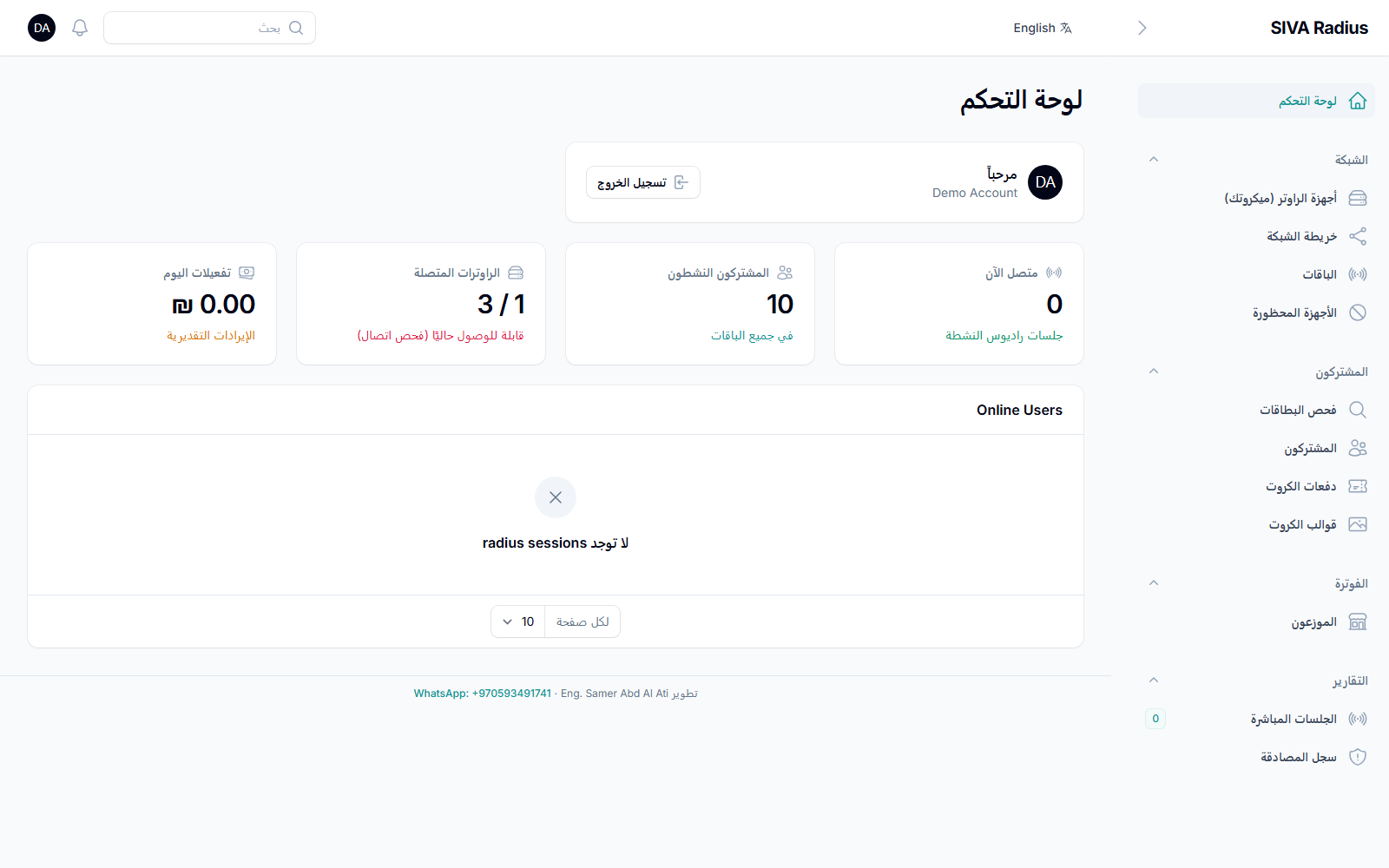
Dashboard
A real-time overview of your business: today's activations and estimated revenue, how many routers are reachable, active subscribers, and who is online right now.
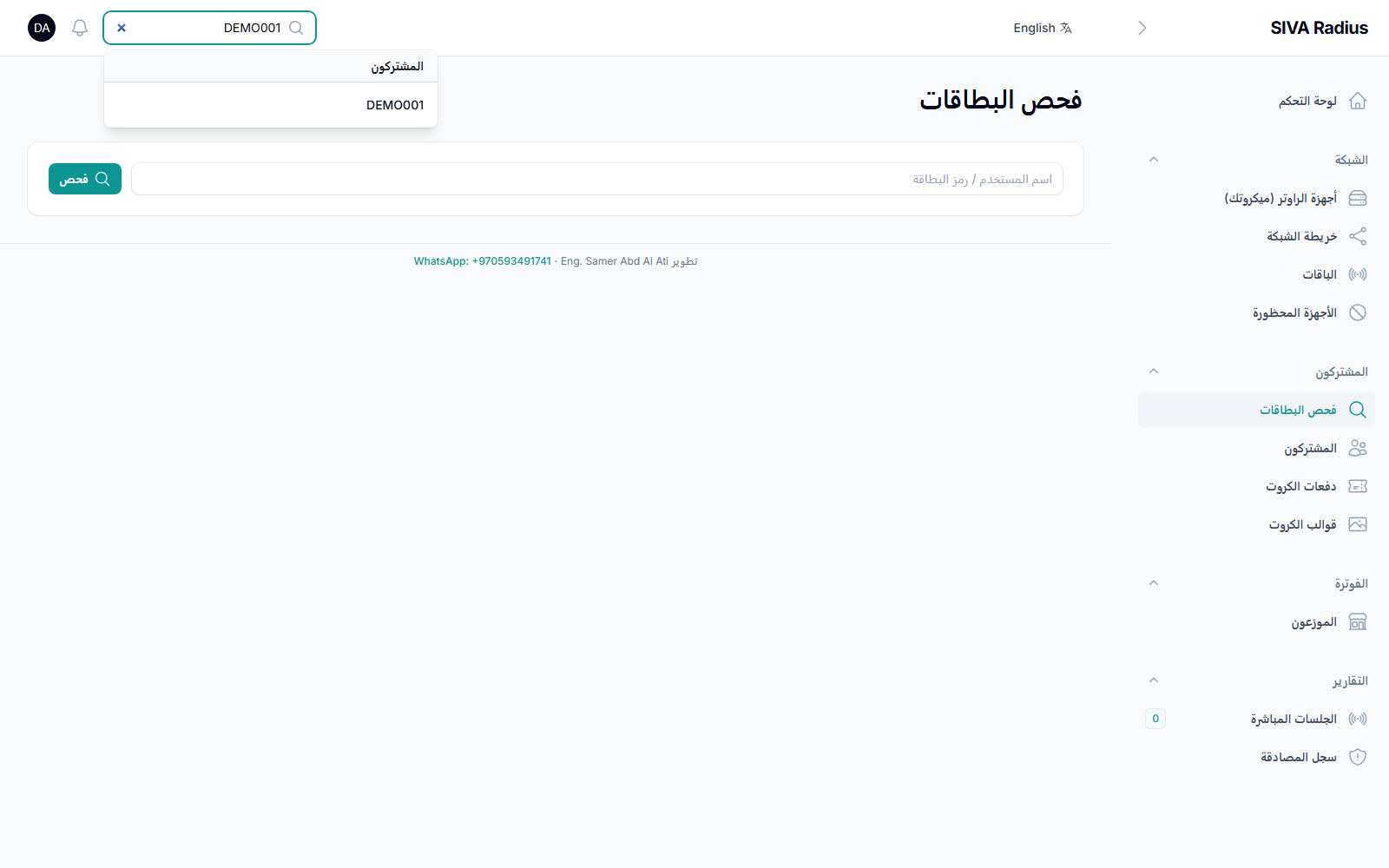
Card Lookup
The tool front-desk staff use every day — type any card number to see its package, status, and usage, then renew, suspend, reset the password, or disconnect it on the spot.
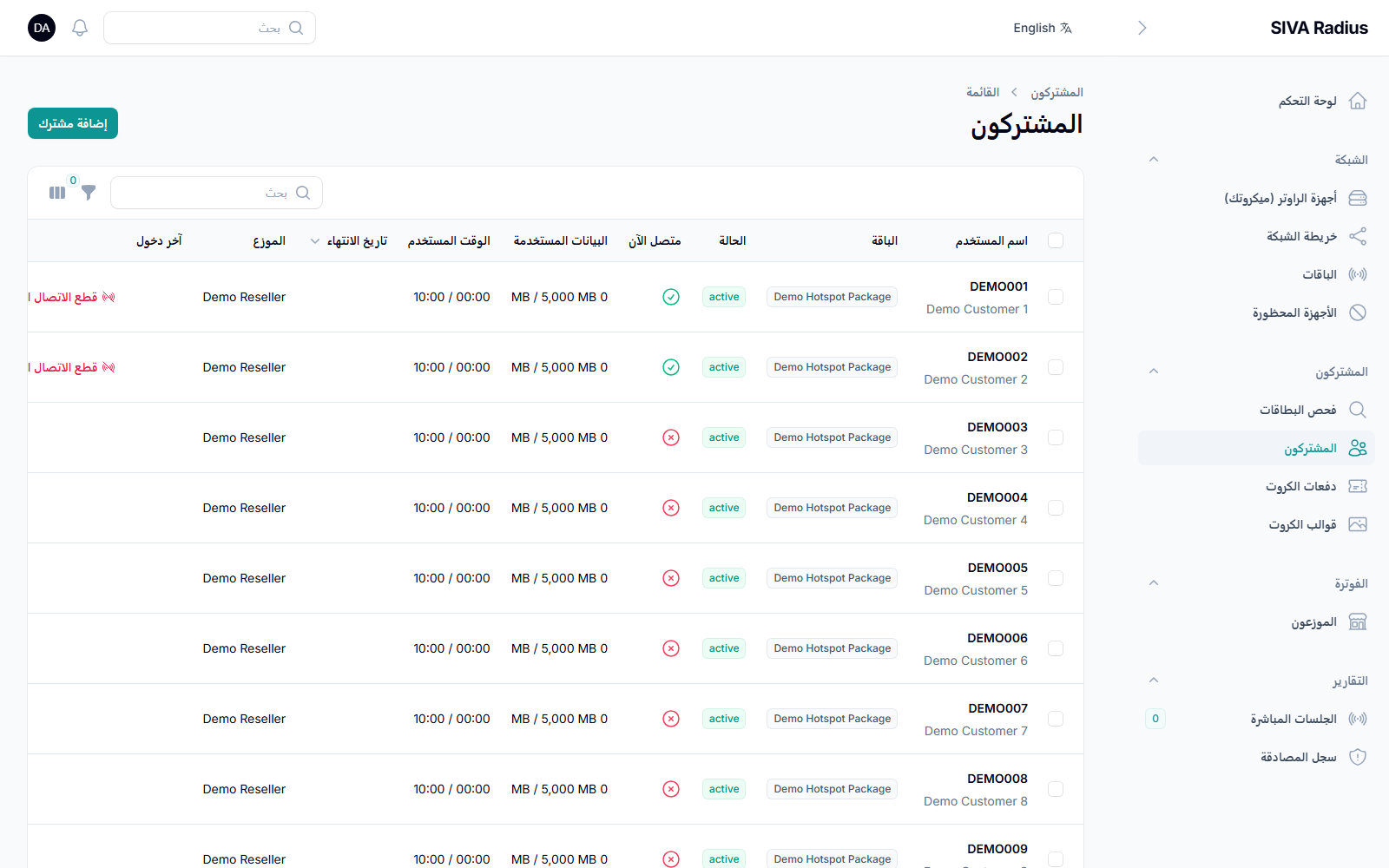
Subscribers
Every customer in one searchable, filterable list — hotspot and PPPoE alike.
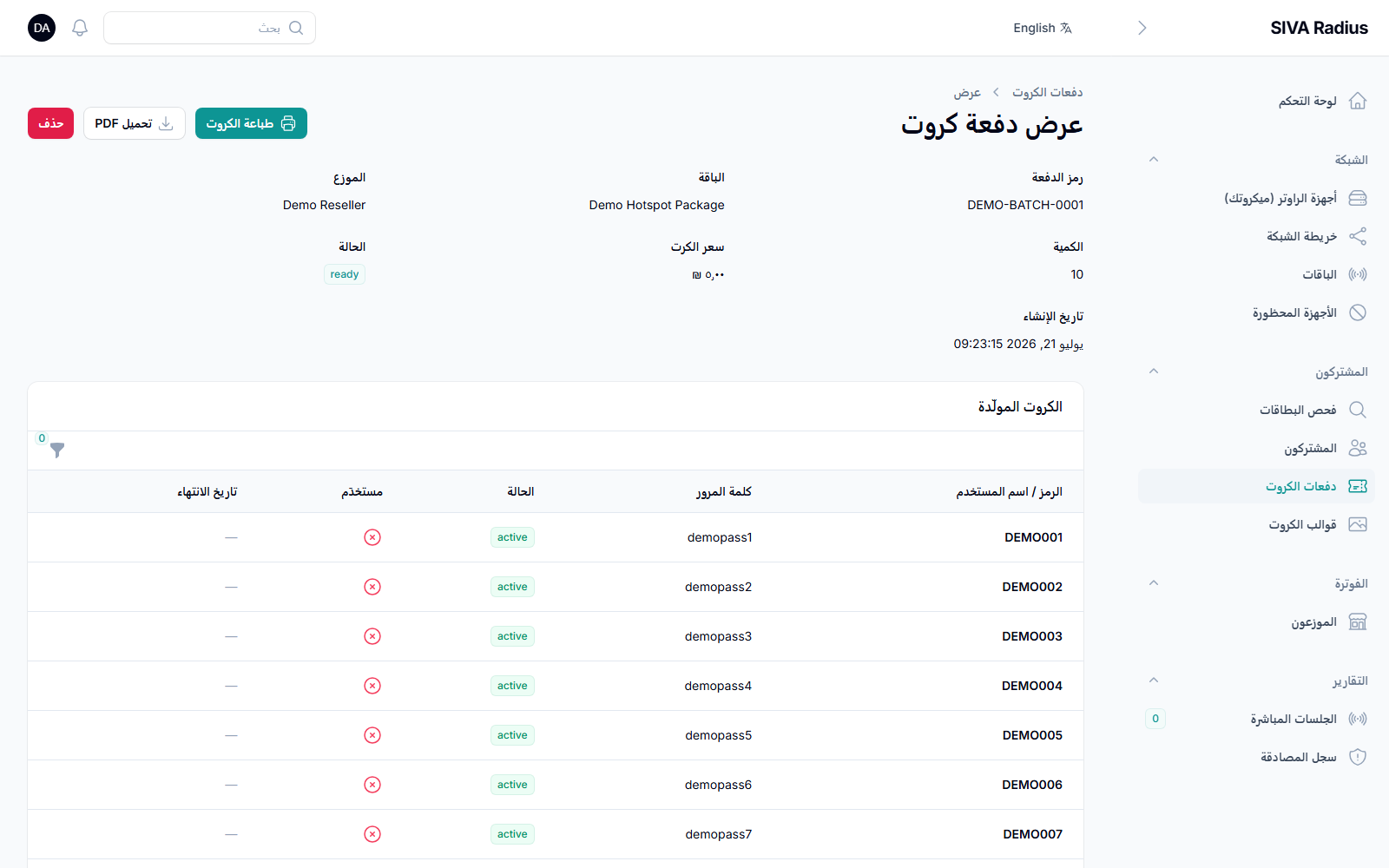
Voucher Batches (Cards)
Generate a whole batch of prepaid cards in seconds, with usernames and passwords ready to print or export as a PDF.
Profiles (Packages)
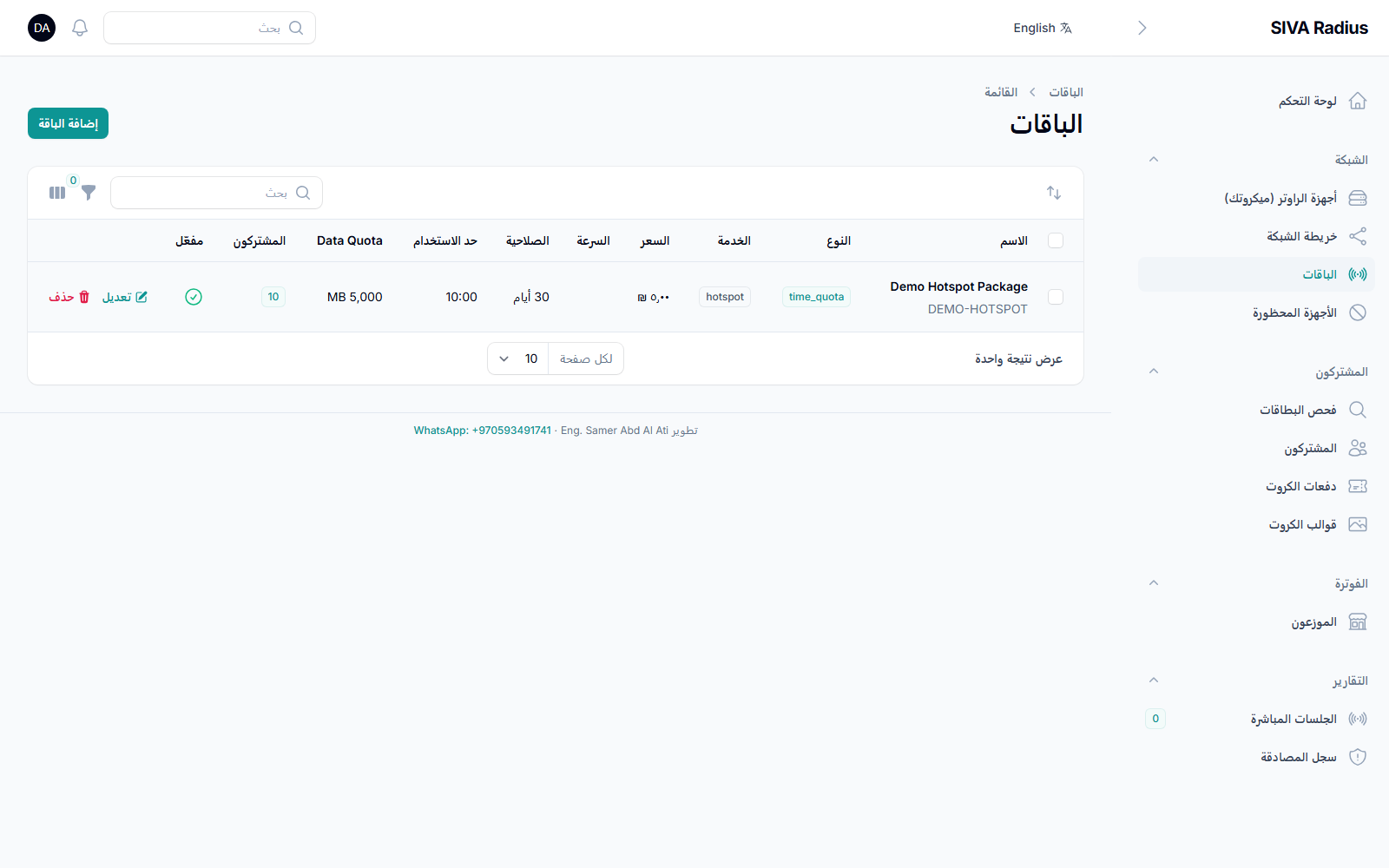
Define your data/time packages — quota, speed limits, validity period — once, then assign them to customers or voucher batches.
Resellers
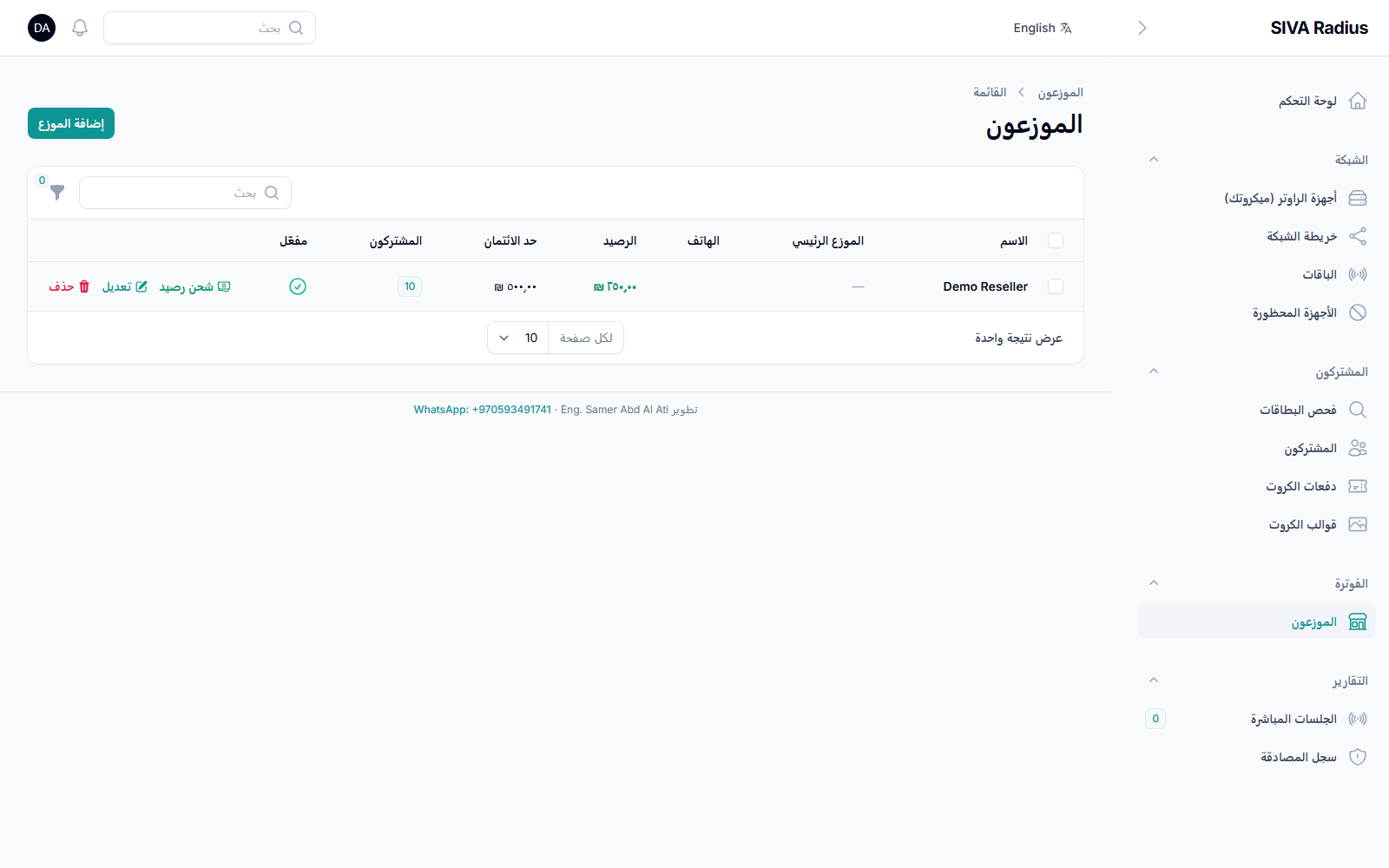
Track each sub-dealer's balance, credit limit, and commission, with a full ledger of every credit and debit.
Network Topology
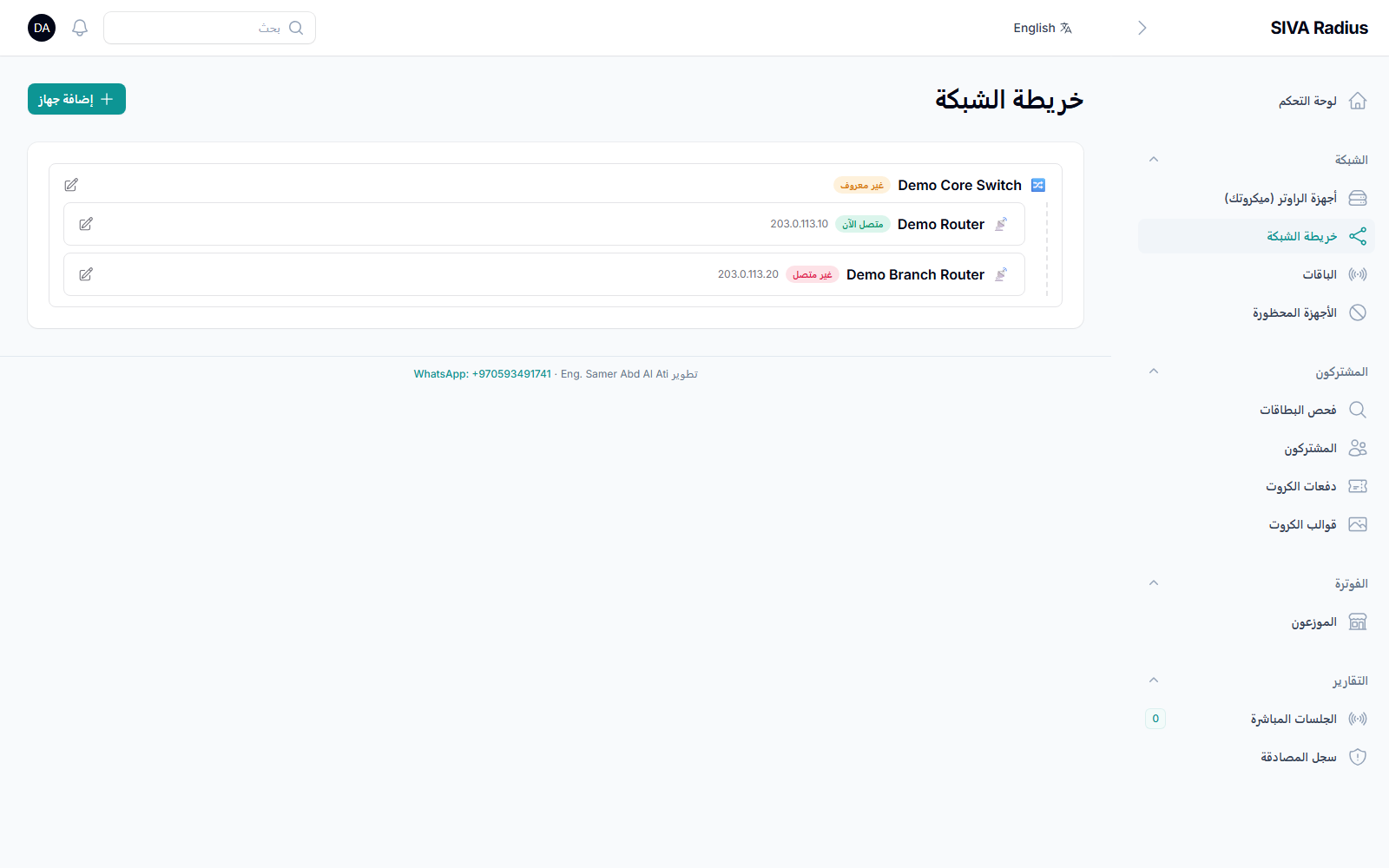
A live diagram of every router and switch, nested under the device it uplinks through, with an online/offline badge and a subscriber breakdown for each router.
Router Management & Remote Control
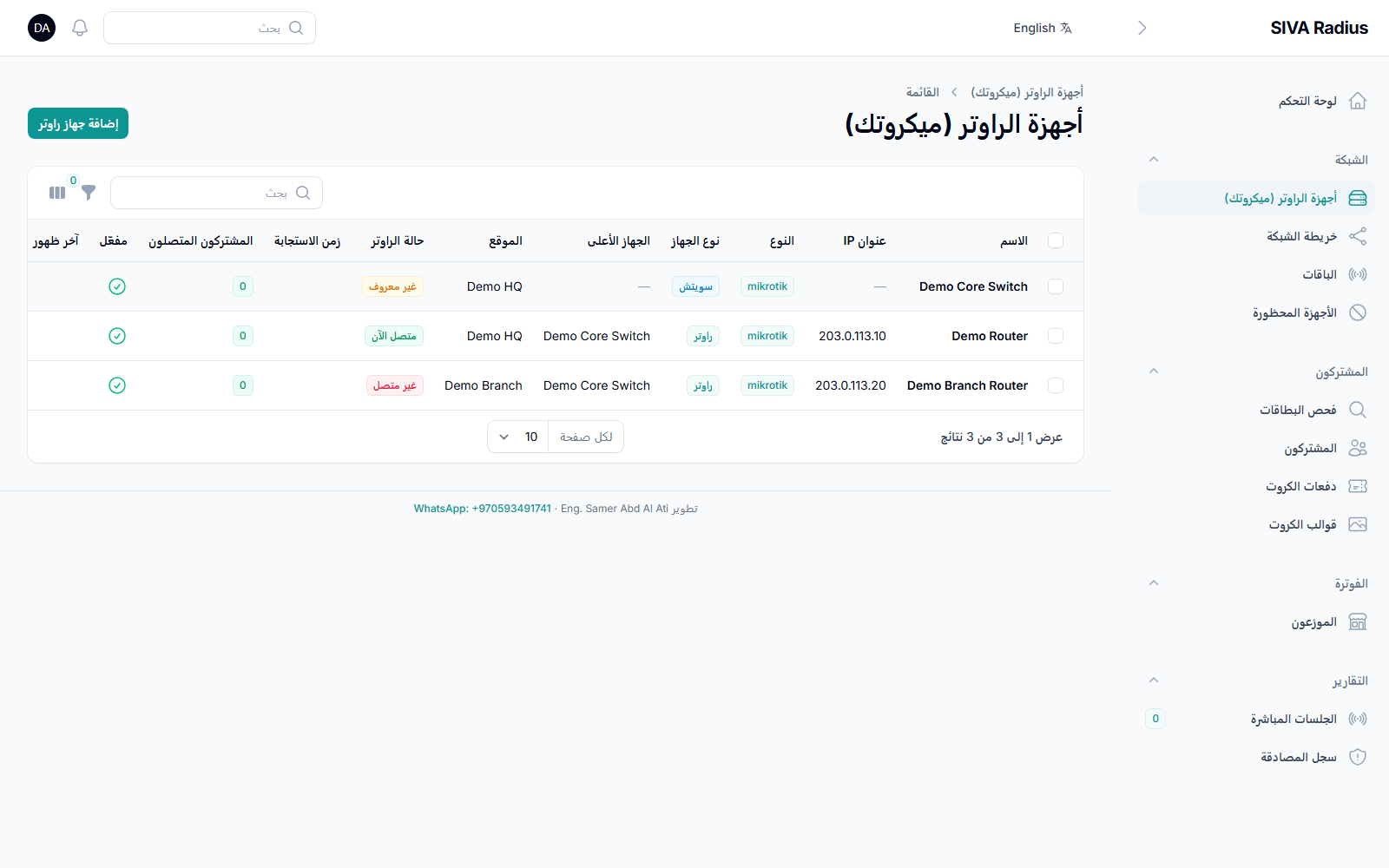
Register every MikroTik router or switch, then reboot it, toggle an interface, or pull a fresh configuration backup over SSH — straight from the panel.
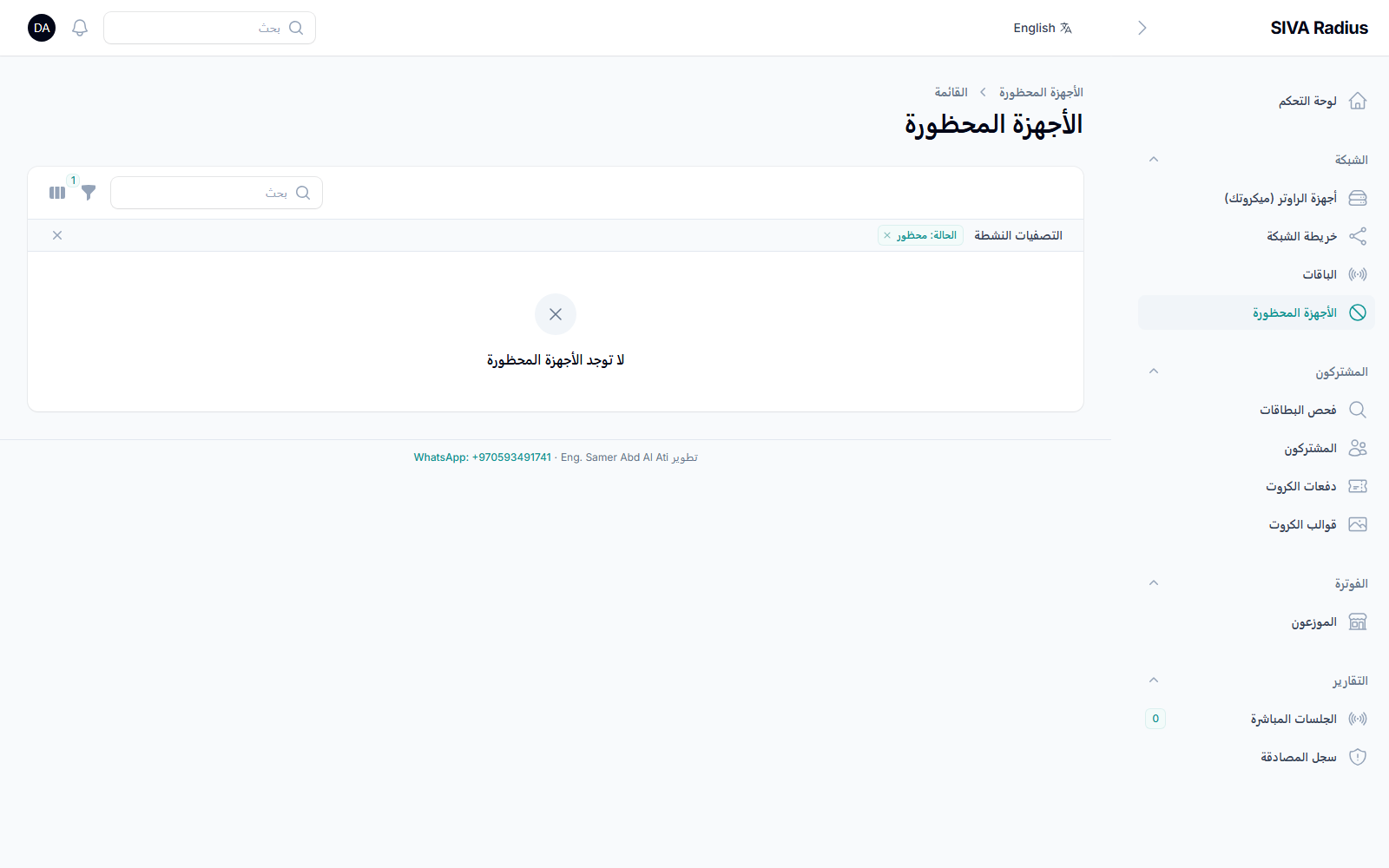
Device Blocking
Block a misbehaving device by its MAC address across the network in one click, and unblock it just as easily.
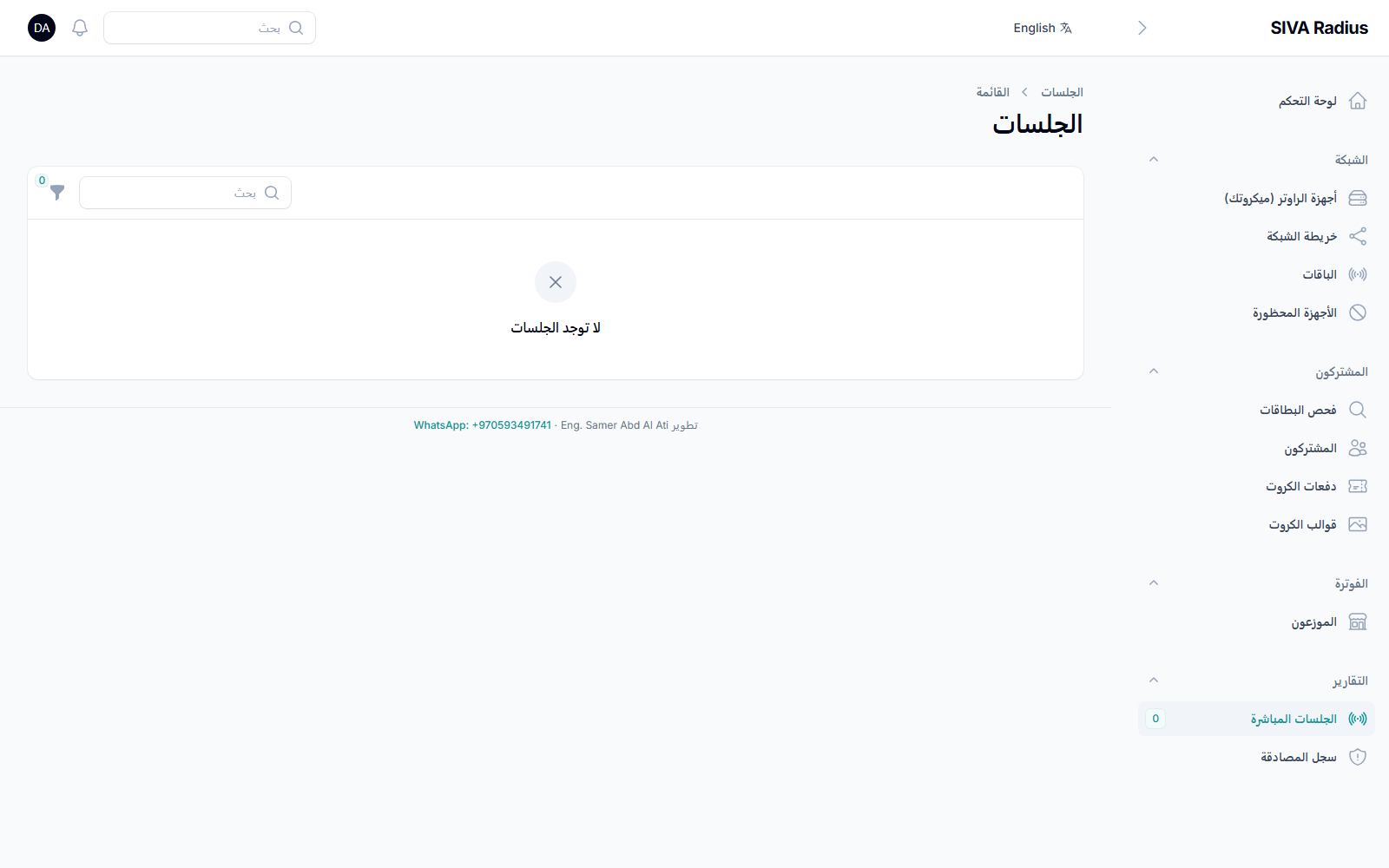
Live Sessions
Every active and past connection, with live data usage and duration, refreshing automatically — disconnect any session instantly.
Authentication Log
A full history of every login attempt against your RADIUS server, accepted or rejected, for troubleshooting and auditing.
Card Templates
Design the printed layout of your voucher cards — logo, colors, and grid size — once, then reuse it for every batch.
Backup & Restore
One-click backups of your entire database and settings, downloadable at any time, so you can restore your system in minutes if anything ever goes wrong. Restricted to the system owner.
Settings
Company name, currency, and the hotspot login page template — configured once for the whole panel. Restricted to the system owner.
Staff Users
Add staff accounts with the right role — administrator or support — so everyone only sees what their job requires. Restricted to the system owner.
Arabic & English
The entire panel — every label, every message — is available in both Arabic and English, switchable in one click.